TL;DR
AI coding agents make changes faster than humans can review them.
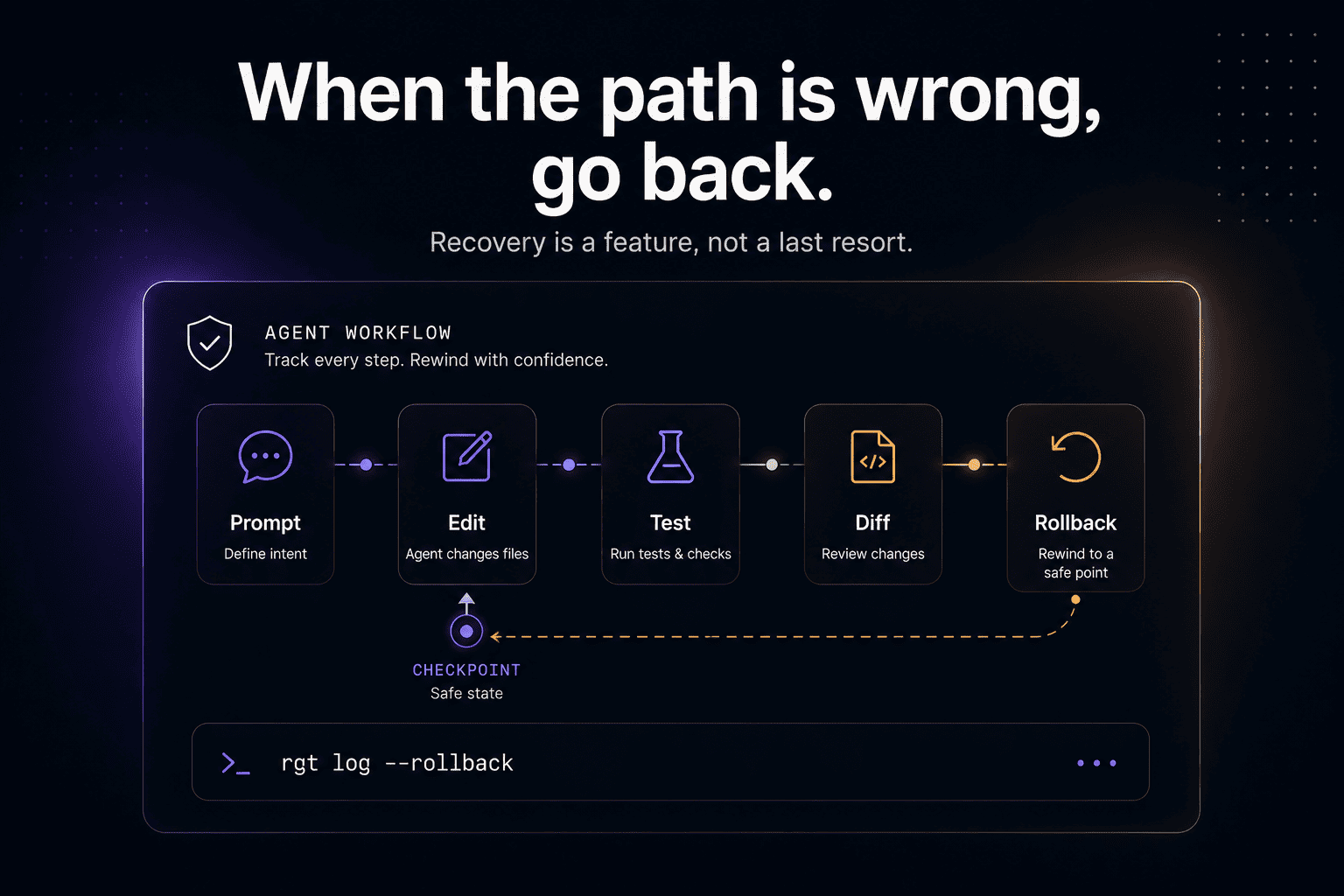
That makes rollback a core workflow, not an emergency button.
A good AI coding agent rollback system should help you recover from:
the wrong prompt
the wrong implementation path
a bad multi-file edit
a broken test update
a risky refactor
a failed agent session
a change that works locally but breaks later
Git can undo code.
Checkpoints can restore file state.
But agent rollback needs one more thing:
Without that, rollback is just guessing in reverse.
Why rollback matters more in the agent era
Before AI coding agents, mistakes were usually slower.
A developer changed a file, ran a test, noticed the bug, and backed out.
Now one prompt can become:
The agent may be trying to help.
It may even solve part of the problem.
But it can also take the wrong path very quickly.
That creates a new recovery problem:
That is the real reason AI coding agent rollback matters.
Not because agents are bad.
Because agents compress work.
Compressed work needs better recovery.
Git already has undo, but Git sees files
Git is still the foundation.
Git gives developers multiple ways to recover from mistakes:
git restorecan restore working tree files.git resetcan move the current branch or unstage changes.git revertrecords a new commit that reverses the effect of earlier commits.
The official Git docs describe git revert as creating new commits that reverse earlier commits, often faulty ones:
https://git-scm.com/docs/git-revert
Git’s restore docs cover restoring working tree files:
https://git-scm.com/docs/git-restore
Git’s reset docs cover resetting current HEAD and related index behavior:
https://git-scm.com/docs/git-reset
These tools are essential.
But they operate mostly at the file and commit layer.
They answer:
They do not automatically answer:
That is the missing layer.
Claude Code checkpointing proves the need is real
Claude Code already includes checkpointing and rewind concepts.
Anthropic’s Claude Code docs say checkpointing automatically tracks Claude’s file edits, allowing users to undo changes and rewind to previous states when work gets off track:
https://code.claude.com/docs/en/checkpointing
Anthropic’s Agent SDK docs also describe file checkpointing with rewindFiles() in TypeScript and rewind_files() in Python for restoring checkpointed files:
https://code.claude.com/docs/en/agent-sdk/file-checkpointing
That is useful.
It also tells us something bigger:
Developers need recovery built into agent workflows.
Once agents touch real code, “undo” becomes a first-class feature.
But file rewind is only one part of rollback.
A serious rollback workflow also needs to preserve the relationship between:
Because sometimes you do not only need to restore files.
You need to understand the path.
The difference between code rollback and agent rollback
Code rollback means returning files or commits to an earlier state.
Agent rollback means returning work to an earlier meaningful point in the agent session.
That distinction matters.
A code rollback can say:
An agent rollback should say:
Or:
Or:
That is a much more useful abstraction.
Developers do not think only in files.
They think in intent.
And in agent workflows, intent begins with prompts.
The common rollback scenarios
AI coding agent rollback is not one use case.
It is a family of recovery situations.
1. The agent changed too many files
You asked:
The agent changed:
The first question is not only “how do I revert?”
It is:
2. The agent solved the symptom, not the cause
The test passes.
The implementation is wrong.
Maybe the agent weakened an assertion, changed a timeout, or hid the failure.
Rollback should help identify the moment the agent shifted from fixing the bug to making the test pass.
3. The agent introduced a risky refactor
Agents love cleanup.
Sometimes useful.
Sometimes not.
If the requested task was small and the agent refactored half the module, you need a way to unwind the refactor without losing the actual fix.
4. The agent broke production behavior
A local test passed.
A production edge case broke.
Now the team needs to know not only which commit caused it, but which prompt and session led to the change.
5. Multiple agents touched overlapping files
This is becoming more common.
GitHub’s Copilot coding agent can research a repository, create an implementation plan, make changes on a branch, and let developers review the diff and create a pull request:
https://docs.github.com/copilot/concepts/agents/coding-agent/about-coding-agent
OpenAI describes Codex cloud tasks as running in separate cloud environments, with Codex able to write features, fix bugs, answer questions about a codebase, and propose pull requests for review:
https://openai.com/index/introducing-codex/
https://developers.openai.com/codex/cloud
As agents do more parallel work, rollback needs to understand sessions, branches, prompts, and overlapping changes.
Git alone will not always give you the clean mental model.
A practical rollback workflow for AI coding agents
When an agent takes the wrong path, do not immediately ask it to “fix everything.”
That often creates another layer of bad changes on top of the first one.
Use a recovery workflow.
Step 1: Freeze the current state
Stop prompting.
Capture the state before making it worse.
This gives you a patch you can recover from if you revert too much.
Step 2: Identify the scope
Look at what changed.
Ask:
Are these files expected?
Did the agent touch tests?
Did it change config?
Did it edit generated files?
Did it touch auth, billing, infra, migrations, or permissions?
Did it introduce unrelated cleanup?
Step 3: Use the right Git undo tool
For uncommitted working tree changes:
For selective rollback:
For undoing a committed change on a shared branch:
Do not casually use destructive reset on shared work.
A common rule of thumb: use revert for public/shared history, and reserve reset for local/private recovery. Atlassian’s Git guide makes the same distinction between revert for public branches and reset for private branches:
https://www.atlassian.com/git/tutorials/resetting-checking-out-and-reverting
Step 4: Inspect the agent path
Now ask the agent-specific questions:
Which prompt started the bad path?
Which step introduced the risky change?
Which files were read before the edit?
Which commands ran?
Did tests fail first?
Did the agent change tests after failure?
Which checkpoint is safe?
This is where normal Git becomes too thin.
You need agent history.
Step 5: Roll back by intent, not only by file
A good recovery tool should let you say:
Or:
Or:
That is agent rollback.
Step 6: Re-run the smallest relevant verification
After rollback, run the smallest useful check.
or:
Do not rely on the agent’s previous “tests passed” message.
Run the verification yourself.
Why rollback without traceability is weak
Rollback is safer when you know what you are rolling back.
A checkpoint named:
is useful.
But a checkpoint with context is better:
That context matters because recovery is not always binary.
You may want to go back to the moment before the agent changed tests, not before it fixed the implementation.
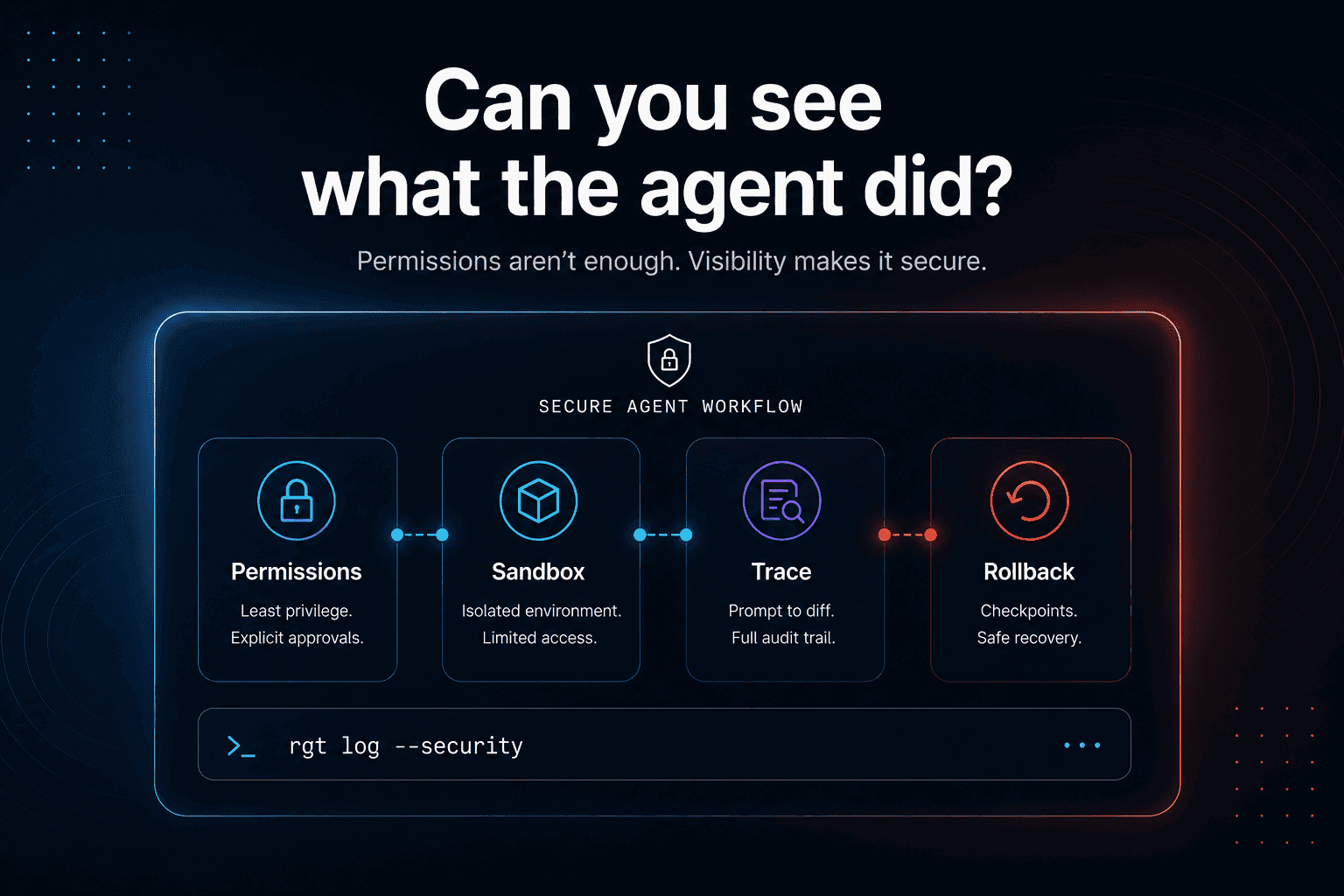
This is why rollback and observability belong together.
You need to see the path before you choose where to return.
Agent rollback should support partial recovery
The hard cases are not “everything is bad.”
The hard cases are:
A useful agent rollback system should support partial recovery:
keep this file change
discard that test change
roll back this prompt
keep the previous session
recover the code but preserve the conversation
restore files but keep the trace
compare two agent paths
This is closer to how developers actually work.
The goal is not to erase agent work.
The goal is to separate useful work from accidental work.
Why pull-request rollback is not enough
A common answer is:
Sometimes that works.
But PR-level rollback can be too coarse.
If an agent-authored PR contains a real fix plus a risky refactor, reverting the whole PR loses both.
If the agent touched multiple files for different reasons, reverting the PR may create new conflicts.
If the agent made several prompts worth of changes in one branch, the PR may not reflect the real units of work.
Recent research shows that AI coding agents are already producing large numbers of pull requests. The AIDev dataset reports 932,791 agent-authored PRs across Codex, Devin, GitHub Copilot, Cursor, and Claude Code:
https://arxiv.org/abs/2602.09185
As agent-authored PRs become more common, teams will need rollback at the level of agent sessions and prompts, not only commits and PRs.
The rollback stack for AI coding work
A strong recovery model has layers.
Git rollback
Use Git for code state:
restore
reset
revert
branch
patch
cherry-pick
Agent checkpoint rollback
Use checkpoints to return to earlier file/session states.
Claude Code checkpointing is an example of this direction.
Agent history rollback
Use prompt/session history to understand what each step did.
This enables intent-level rollback.
Team rollback
Use pull requests, review, CI, and human merge governance to protect shared branches.
Production rollback
Use deployment rollback when bad code already shipped.
This is outside the coding agent itself, but it matters.
The earlier you catch the wrong path, the cheaper rollback becomes.
Where re_gent fits
re_gent is open-source version control for AI coding agent activity.
It is built around the layer Git does not capture by default:
agent sessions
prompts
file changes
prompt-to-diff history
agent blame
rollback points
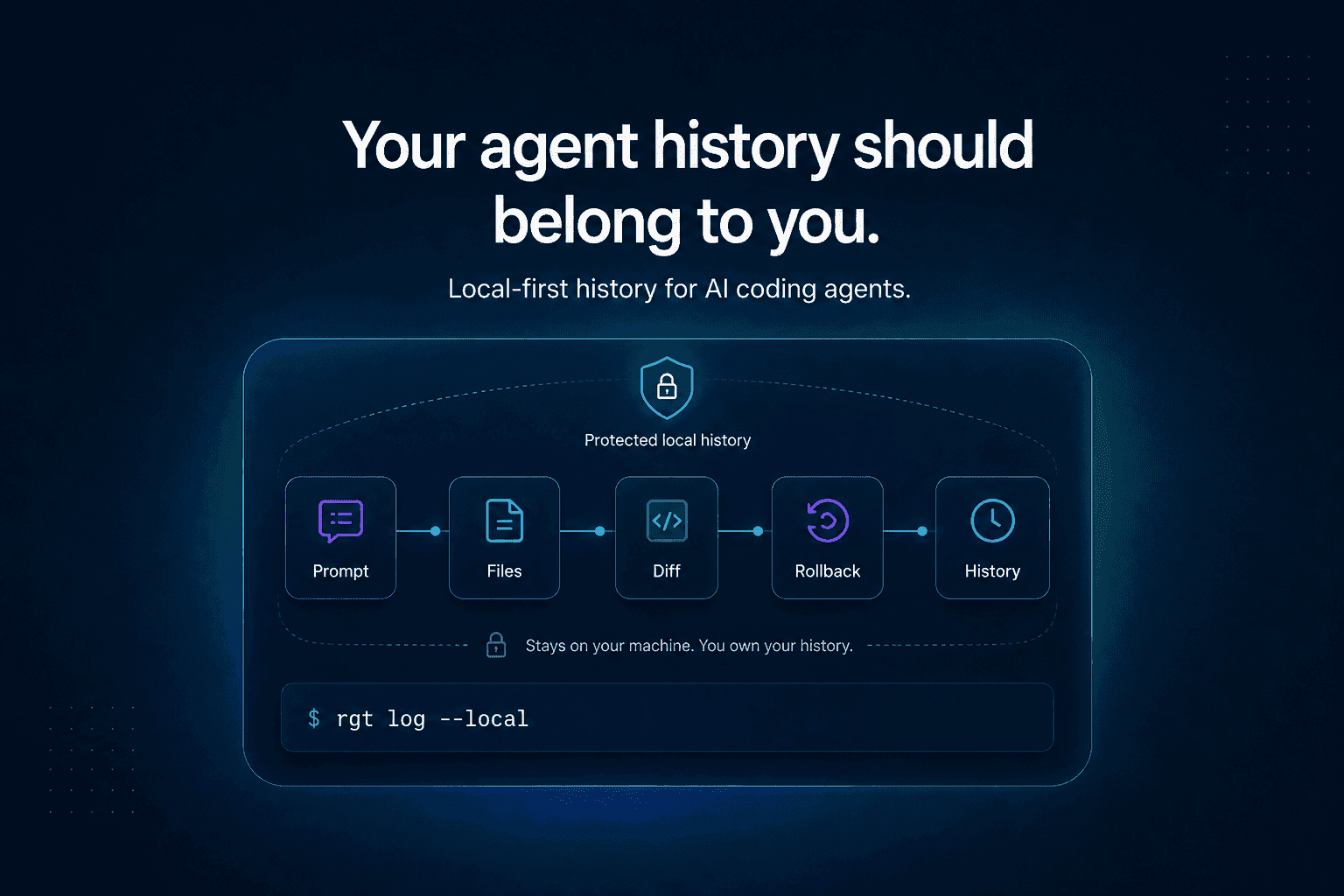
local-first history
re_gent does not replace Git.
It adds agent-aware history around it.
Git helps you return to a code state.
re_gent helps you understand which agent work created that state.
GitHub:
https://github.com/regent-vcs/re_gent
Where The Incident Challenge fits
We also built The Incident Challenge because production debugging teaches a similar lesson:
When something breaks, the final fix is not enough.
You need the path.
Logs, runtime behavior, failed attempts, assumptions, verification, and rollback all matter.
AI coding agent rollback is the same idea applied earlier in the workflow.
If an agent changes code, developers should know what it did and how to reverse it before that change becomes a production incident.
The Incident Challenge:
https://theincidentchallenge.com/
FAQ
What is AI coding agent rollback?
AI coding agent rollback is the ability to recover from changes made by an AI coding agent. It can include restoring files, reverting commits, rewinding checkpoints, or undoing a specific prompt or agent session.
How do I undo AI-generated code changes?
Start with Git: use git status, git diff, and git restore -p for selective recovery. If your agent supports checkpoints, use rewind. For committed shared changes, use git revert. For deeper recovery, inspect the agent session history.
What is Claude Code rewind?
Claude Code rewind is part of Claude Code checkpointing. It lets users return to earlier states after Claude edits files. Official docs:
https://code.claude.com/docs/en/checkpointing
Is Git enough for AI coding agent rollback?
Git is essential for code rollback, but it does not automatically know which prompt caused a change, what files the agent read, what commands it ran, or which agent step introduced the issue.
What is the difference between rollback and revert?
In Git, revert usually means creating a new commit that reverses an earlier commit. Rollback is a broader term. In agent workflows, rollback can mean returning to an earlier session, prompt, checkpoint, file state, or deployment state.
What is agent session rollback?
Agent session rollback means undoing work based on the agent’s session history. For example, you may want to undo everything after Prompt 4, or return to the checkpoint before the agent modified tests.
Why is partial rollback important for AI agents?
AI agents often mix useful changes with unnecessary changes. Partial rollback lets developers keep the good work while discarding the risky or unrelated parts.
How does re_gent help with rollback?
re_gent tracks AI coding agent activity locally, including sessions, prompts, file changes, blame, and rollback points. That gives developers more context when deciding what to undo.
Final thought
Rollback used to mean:
In the agent era, rollback needs to mean more:
Because AI coding agents do not only change files.
They create paths.
And when the path is wrong, developers need a way back.