TL;DR
“Git for AI agents” does not mean replacing Git.
It means adding a new history layer around agent work: prompts, tool calls, file edits, intermediate steps, diffs, sessions, rollback points, and blame.
Git tracks the code.
AI agent version control tracks the work that produced the code.
That distinction is becoming more important as developers stop asking agents for snippets and start letting them touch real codebases.
Why people are searching for “Git for AI agents”
Developers already know what Git gave them.
Before Git, code changes were fragile. Work was copied, overwritten, renamed, emailed, lost, or impossible to explain later.
Git made software work inspectable.
It gave developers:
History
Branching
Diffs
Commits
Blame
Revert
Collaboration
A shared source of truth
That model became the backbone of modern engineering.
Now AI coding agents are creating a similar problem in a new layer.
Claude Code, Cursor, Codex, OpenCode, Cline, Aider, and other tools can make large code changes from a natural-language prompt. Sometimes they edit one file. Sometimes they touch fourteen. Sometimes they run tests, change configs, modify docs, and leave behind a diff that technically works but is hard to explain.
So developers are starting to search for a familiar concept:
Where is Git for this?
Not Git for files.
Git for the agent’s work.
Git answers “what changed?”
Traditional Git is still essential.
The official Git documentation describes version control as a system that records changes to files over time so you can recall specific versions later: Git: About Version Control.
That is still the foundation.
But when an AI agent creates the change, the final file history is only one part of the story.
Git can show:
Git can show:
Git can show which commit changed a line.
But it does not automatically show:
Which prompt caused the change
Which agent session produced it
What the agent tried before the final diff
Which tool call modified the file
What context the agent used
Whether the agent changed direction halfway through
Which step introduced the bug
How to rewind the whole agent session
That is the missing layer.
“Git for AI agents” answers “how did this happen?”
A useful Git-for-agents system should help developers answer a different set of questions.
Not only:
What changed?
But:
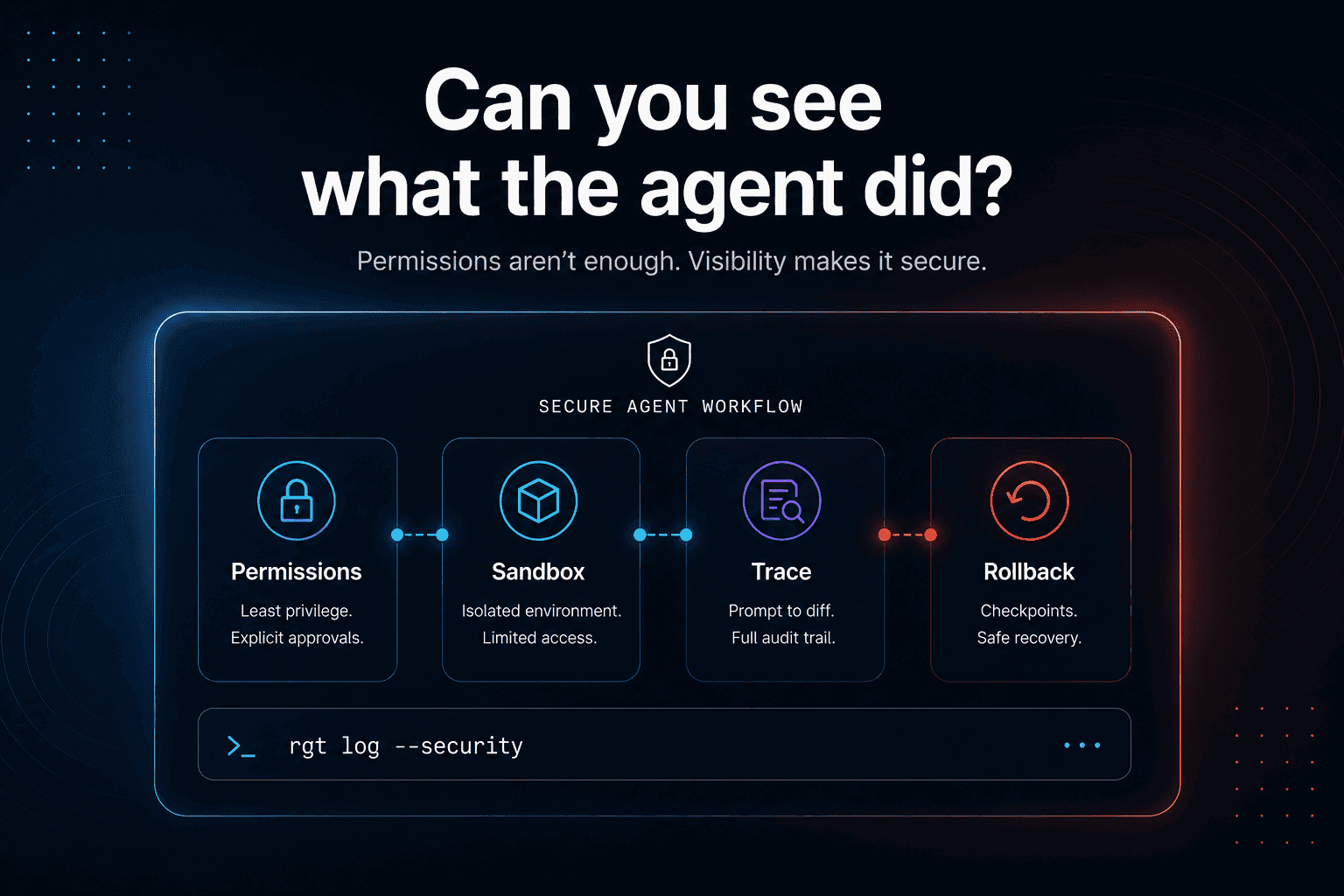
What did the agent do?
That means the unit of history changes.
In normal software work, the basic historical object is the commit.
In agentic development, the basic historical object is the session.
A session may include:
The developer’s prompt
The files the agent read
The commands it ran
The code it changed
The tests it executed
The errors it hit
The follow-up edits it made
The final diff it produced
The explanation it gave
The rollback point you may need later
Git sees the final code.
Agent version control should see the path.
The new primitives: log, blame, checkout, rewind
The reason “Git for AI agents” is such a strong phrase is that developers already understand the primitives.
The category almost explains itself.
log
Git log shows commit history.
Agent log should show agent activity history.
A developer should be able to inspect the timeline of agent sessions and understand what happened, when it happened, and which files were affected.
Example:
The goal is not another chat transcript.
The goal is a useful engineering record.
blame
Git blame tells you which commit last touched a line.
Agent blame should tell you which prompt and session produced a line.
Example:
This matters because “who wrote this?” becomes harder when code is produced by a sequence of prompts, tool calls, and automated edits.
In agentic development, the answer may be:
This line came from Prompt 12
In Claude Code session 4
After the agent read the auth docs
During a failed attempt to fix a race condition
Before it edited the retry logic
That is a different kind of blame.
checkout
Git checkout lets you move between versions.
Agent checkout should let you inspect or return to earlier agent states.
Not just the code state, but the work state.
What did the agent know at that moment?
What files had it touched?
What was the conversation?
What was the current hypothesis?
This becomes especially important when an agent makes useful progress and then ruins it with one confident final step.
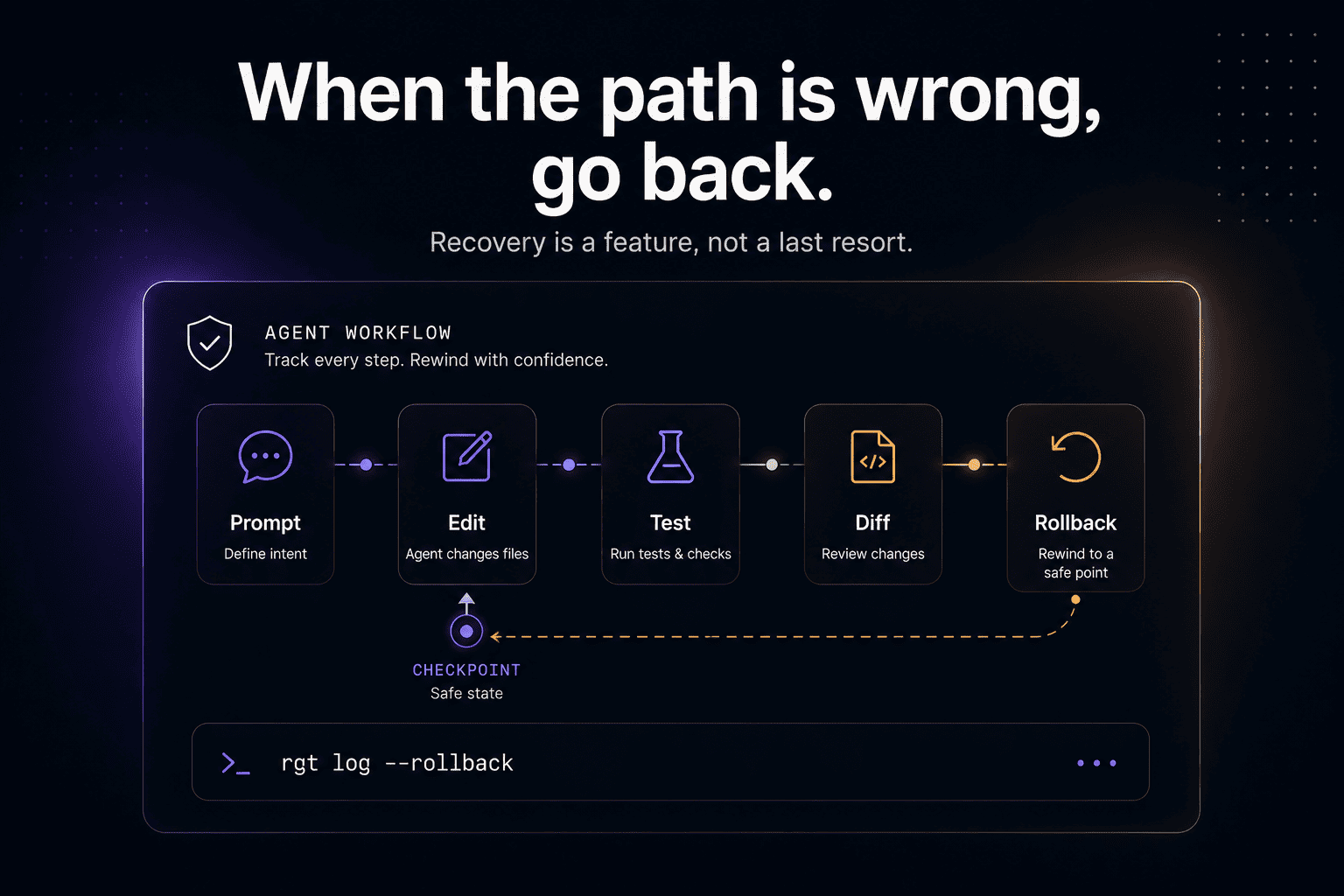
rewind
Claude Code already uses checkpointing and rewind concepts. Anthropic’s documentation explains that Claude Code can track file changes during a session and let users rewind to previous states: Claude Code checkpointing.
That is a strong signal.
Developers want undo for agent work.
But rewind should not stop at file edits. The deeper need is session-level recovery: code, prompt, context, tool calls, and reasoning path.
That is where agent version control becomes more than a safety button.
It becomes infrastructure.
Why chat history is not enough
Some developers may think:
“Don’t I already have the conversation?”
Sometimes, yes.
But chat history is not version control.
Chat history is linear, noisy, fragile, and often disconnected from the actual code changes.
It usually does not give you:
A clean diff per prompt
A reliable file snapshot per step
A way to blame a line back to a prompt
A durable audit trail across compaction
A way to compare agent sessions
A local-first record of tool activity
A clean restore path
It is the same reason commit history is not just Slack messages about code.
The conversation matters, but it needs structure.
Why Git alone is not enough either
Some developers will say:
“Just commit more often.”
That helps.
A disciplined developer can ask the agent to pause, inspect the diff, commit after each step, and use branches for experiments.
But this still misses the agent-specific context.
A Git commit can tell you:
It may even show a clean diff.
But it does not tell you:
That history matters when the fix breaks production three days later.
Git is the source of truth for code.
Agent version control is the source of truth for agent work.
The two should work together.
What “Git for AI agents” should not become
The phrase is useful, but it can also be misleading.
A good Git-for-agents tool should not be:
A Git replacement
Developers already trust Git. AI-agent tooling should integrate with existing workflows, not ask teams to abandon them.
A cloud-only black box
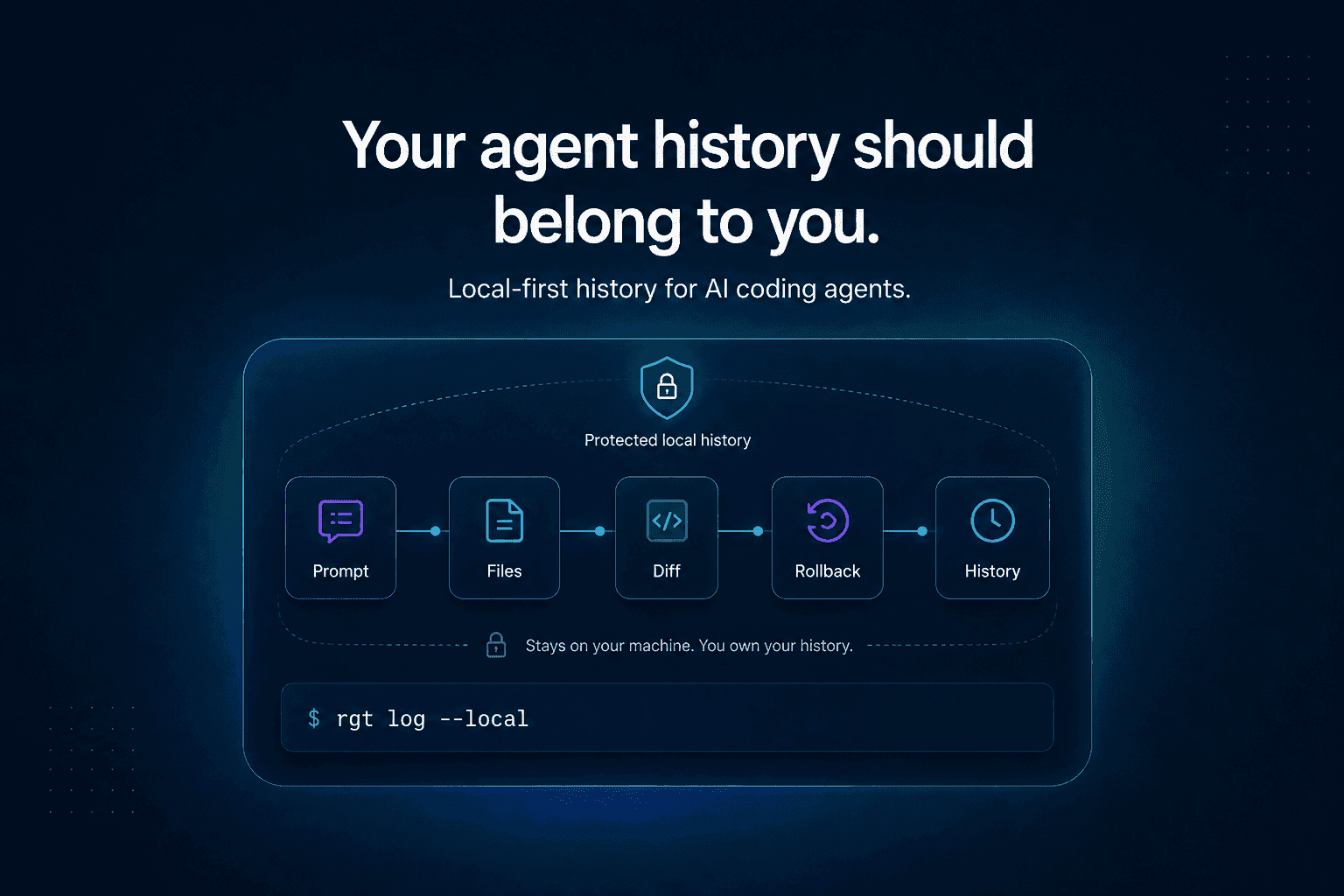
Code and agent history can be sensitive. A tool that tracks agent work should respect local-first workflows and avoid forcing proprietary code into a random web portal.
A pretty transcript viewer
Developers do not need more chat logs. They need structured, searchable, inspectable engineering history.
A fake safety layer
If rollback only works for one kind of file edit, or blame only works at the conversation level, it may not be enough for real engineering work.
Agent history needs to map to the actual code changes.
Why this matters for teams
For solo developers, Git for AI agents is mostly about control.
For teams, it becomes about trust.
Once multiple people use multiple agents across a shared codebase, teams will need answers to questions like:
Which agent changed this?
Which prompt caused this bug?
Did the developer review the agent’s changes?
Can we reproduce the session?
Can we recover the pre-agent state?
Did two agents work on overlapping files?
What context did the agent use?
What did the agent ignore?
This is where the category gets serious.
The future is not one developer chatting with one AI assistant.
The future is multiple developers, multiple agents, multiple sessions, and overlapping changes across the same system.
That world needs history.
Research is already moving toward Git-like agent workflows
This is not just a metaphor.
The 2025 paper AgentGit: A Version Control Framework for Reliable and Scalable LLM-Powered Multi-Agent Systems explores Git-like rollback and branching for multi-agent workflows. The paper focuses on multi-agent systems, not necessarily local coding agents, but the direction is important.
As agents become more autonomous, they need mechanisms for:
State commits
Reverts
Branching
Comparing trajectories
Error recovery
Safe exploration
Iterative debugging
Those are Git-like ideas moving into agent infrastructure.
Software development is one of the clearest places this will show up first.
What re_gent is building
re_gent is open-source version control for AI coding agent activity.
It is built around a simple idea:
Git tracks files. re_gent tracks agents.
re_gent gives developers commands and workflows for understanding agent work locally, including concepts like:
Agent activity history
Prompt-to-diff tracing
Blame for agent-generated changes
Session history
Rewind and recovery
Local-first control
The point is not to make agents look smarter.
The point is to make their work inspectable enough that developers can actually use them in serious workflows.
Because once agents touch real systems, “trust me” is not a workflow.
Where The Incident Challenge fits
We also built The Incident Challenge to explore a related idea: production debugging is still hard in the age of AI.
Agents can help write code, but real incidents require system understanding, judgment, context, and the ability to reason through messy evidence.
That same lesson applies to Git for AI agents.
When an agent changes code, the final diff is only the artifact.
The engineering value is in understanding the path that produced it.
FAQ
What is Git for AI agents?
Git for AI agents is a version-control-like layer for AI coding work. It tracks prompts, agent sessions, tool calls, file edits, diffs, and rollback points so developers can understand how agent-generated code was created.
Does Git for AI agents replace Git?
No. Git remains the source of truth for code history. Git for AI agents adds agent-aware history around Git, including prompt-to-diff tracing and session rollback.
Why do AI coding agents need version control?
AI coding agents can make broad, multi-step changes across a codebase. Developers need to understand what changed, which prompt caused it, which session produced it, and how to safely undo or inspect the work.
What is prompt-to-diff history?
Prompt-to-diff history connects a developer’s prompt to the specific code changes that resulted from it. It helps developers trace a final diff back to the agent instruction that created it.
What is agent blame?
Agent blame is like Git blame, but for AI-agent work. Instead of only showing which commit changed a line, it can show which prompt, session, or agent step produced the change.
How is this different from Claude Code rewind?
Claude Code rewind and checkpointing help undo certain file changes during a session. Git for AI agents is a broader concept: structured history for prompts, sessions, tool calls, diffs, blame, and rollback.
Is re_gent open source?
Yes. re_gent is open source and available on GitHub: github.com/regent-vcs/re_gent.
Final thought
Git became essential because code needed memory.
Now agents are writing code.
So agent work needs memory too.
Not just a chat transcript. Not just a final diff. Not just a checkpoint.
A real history layer.
That is what “Git for AI agents” should mean.