TL;DR
AI coding agents create a new kind of developer data.
Not just code.
They create:
prompts
session history
commands
files read
files changed
diffs
test output
errors
rollback points
reasoning paths
traces of your system architecture
That data is useful.
It is also sensitive.
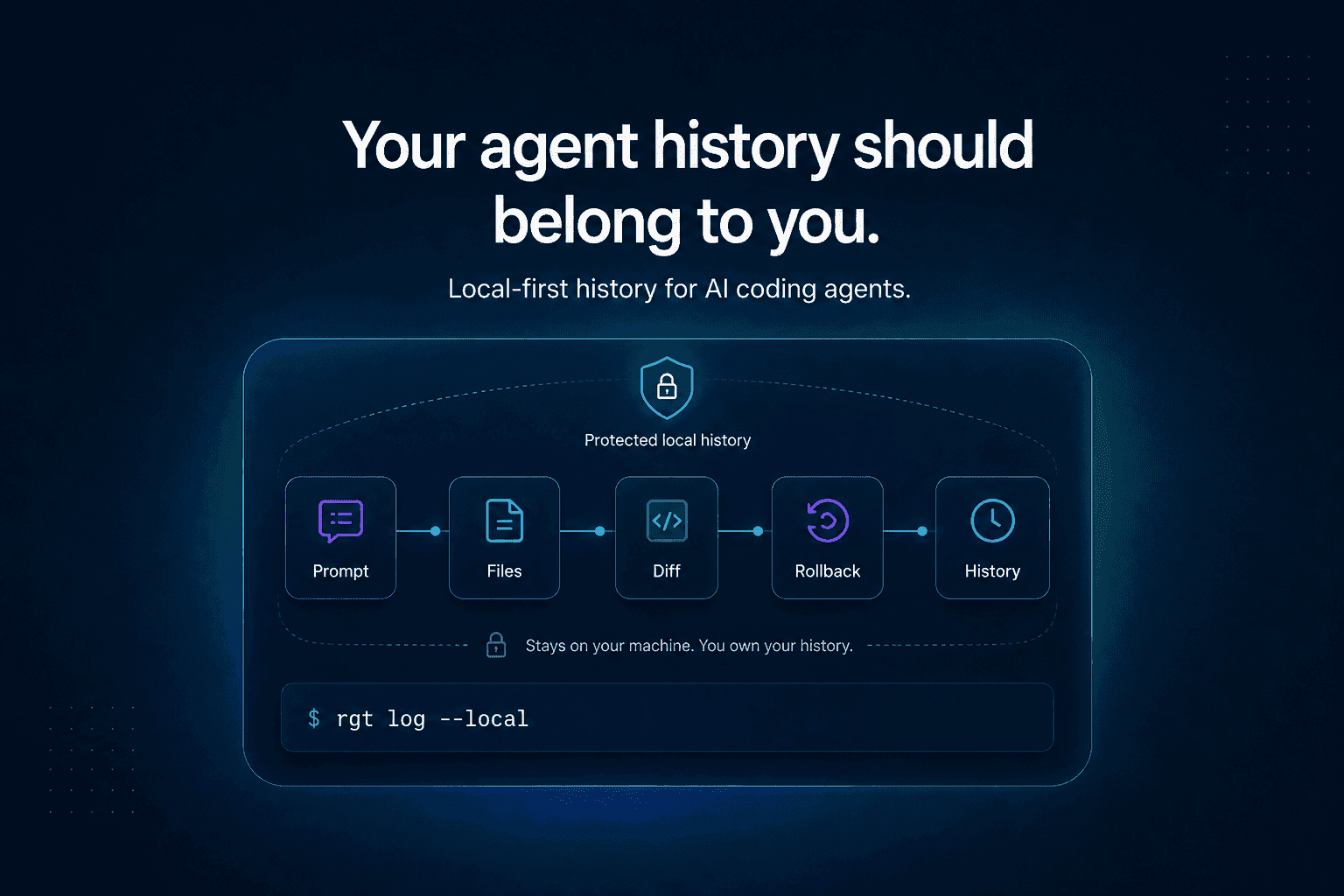
A serious AI coding workflow needs a local-first history layer. One that helps developers understand what their agents did without forcing private code, prompts, and engineering context into a cloud dashboard by default.
The agent history problem
Developers are starting to let AI agents do real work.
Claude Code, Cursor, Codex, OpenCode, Cline, Aider, Copilot, and other tools can inspect repositories, edit files, run commands, update tests, and generate pull requests.
That creates a new question:
The final code lives in Git.
The pull request lives in GitHub, GitLab, or another code host.
The chat may live inside the coding tool.
The command history may live in your terminal.
The test output may be gone.
The agent’s exact path may be scattered across a session transcript, file diffs, shell logs, and memory you will not have next week.
That is already a workflow problem.
It is also a privacy problem.
Because agent history can expose much more than the final diff.
Agent history is sensitive engineering data
A normal Git diff can reveal sensitive information.
Agent history can reveal even more.
It can include:
internal file paths
service names
architecture hints
customer-specific logic
failed test output
environment names
stack traces
secrets accidentally pasted into prompts
implementation ideas
security assumptions
prompts describing unreleased features
commands run inside the repo
private documentation snippets
deleted code
intermediate mistakes
In other words, the agent trail can be more sensitive than the commit.
The final commit shows what you accepted.
The agent history may show everything the agent tried before you accepted it.
That is exactly why the storage model matters.
Local-first is not nostalgia
Local-first does not mean anti-cloud.
It means the user owns the primary copy of their data and can use the tool without depending on someone else’s server as the default source of truth.
For developer tools, this matters.
Developers already trust local workflows for sensitive work:
Those commands do not require uploading the entire reasoning path behind your code to a third-party dashboard.
AI coding agent history should follow the same instinct.
The agent history should live close to the repo.
It should be inspectable locally.
It should be useful offline.
It should be possible to share intentionally, not accidentally.
That is the local-first principle applied to AI coding work.
The cloud dashboard trap
A cloud dashboard can be useful.
Teams may eventually want shared views, review workflows, organization-level policy, CI integration, and audit trails.
But cloud-first agent history creates a risk:
That is a dangerous default.
Because what the agent saw may include:
private source code
proprietary architecture
internal docs
customer-specific bugs
sensitive logs
security issues
credentials accidentally exposed in output
implementation details that should never leave the machine
A serious AI coding agent workflow should not make that tradeoff by default.
The better default is:
Why permissions are only part of security
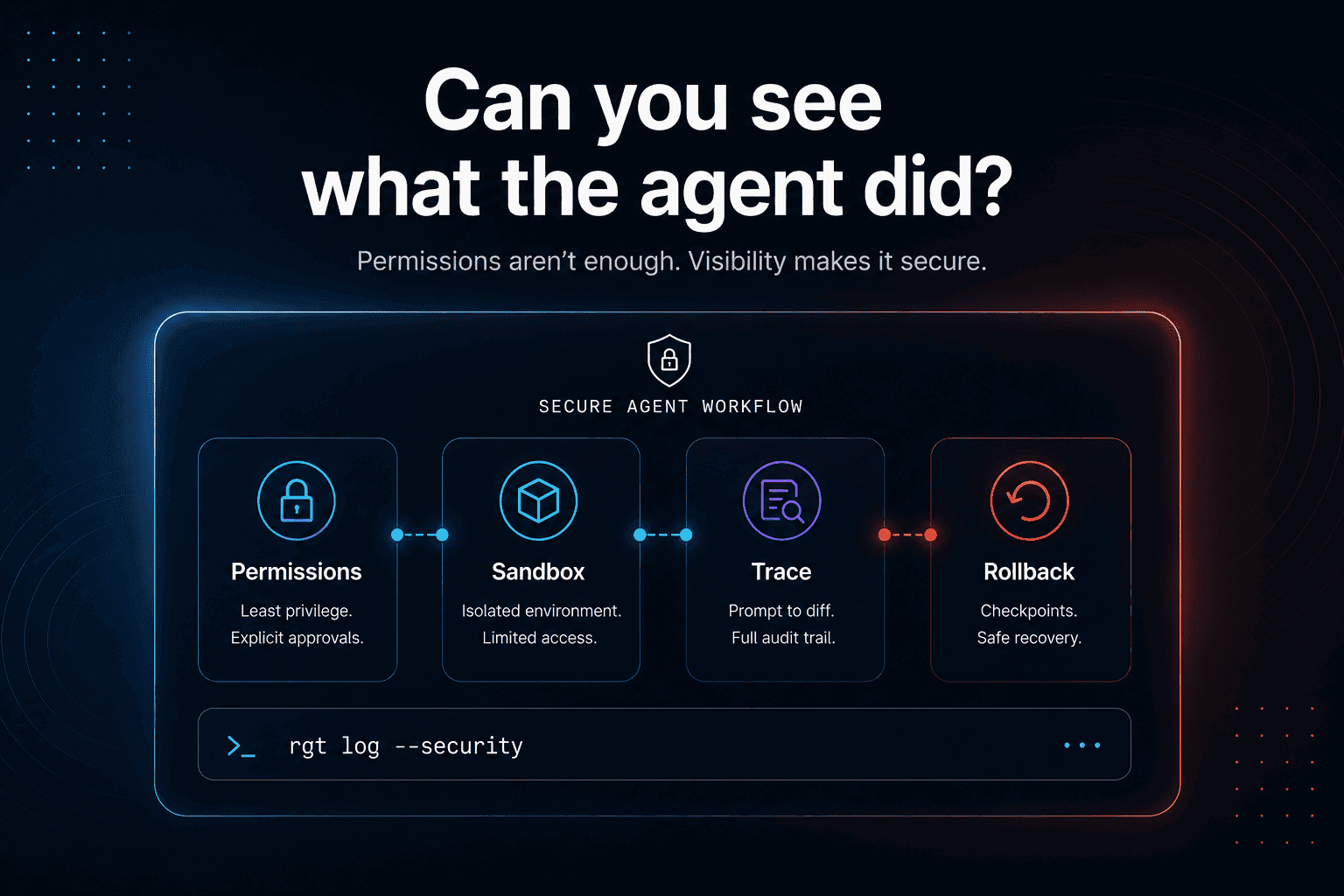
Permissions are important.
Claude Code, for example, has a permission model around file edits and command execution. That kind of control matters because a coding agent can do real things to your machine.
But permissions answer one question:
Agent history answers another:
You need both.
Permissions reduce risk before an action happens.
History reduces risk after the action happens.
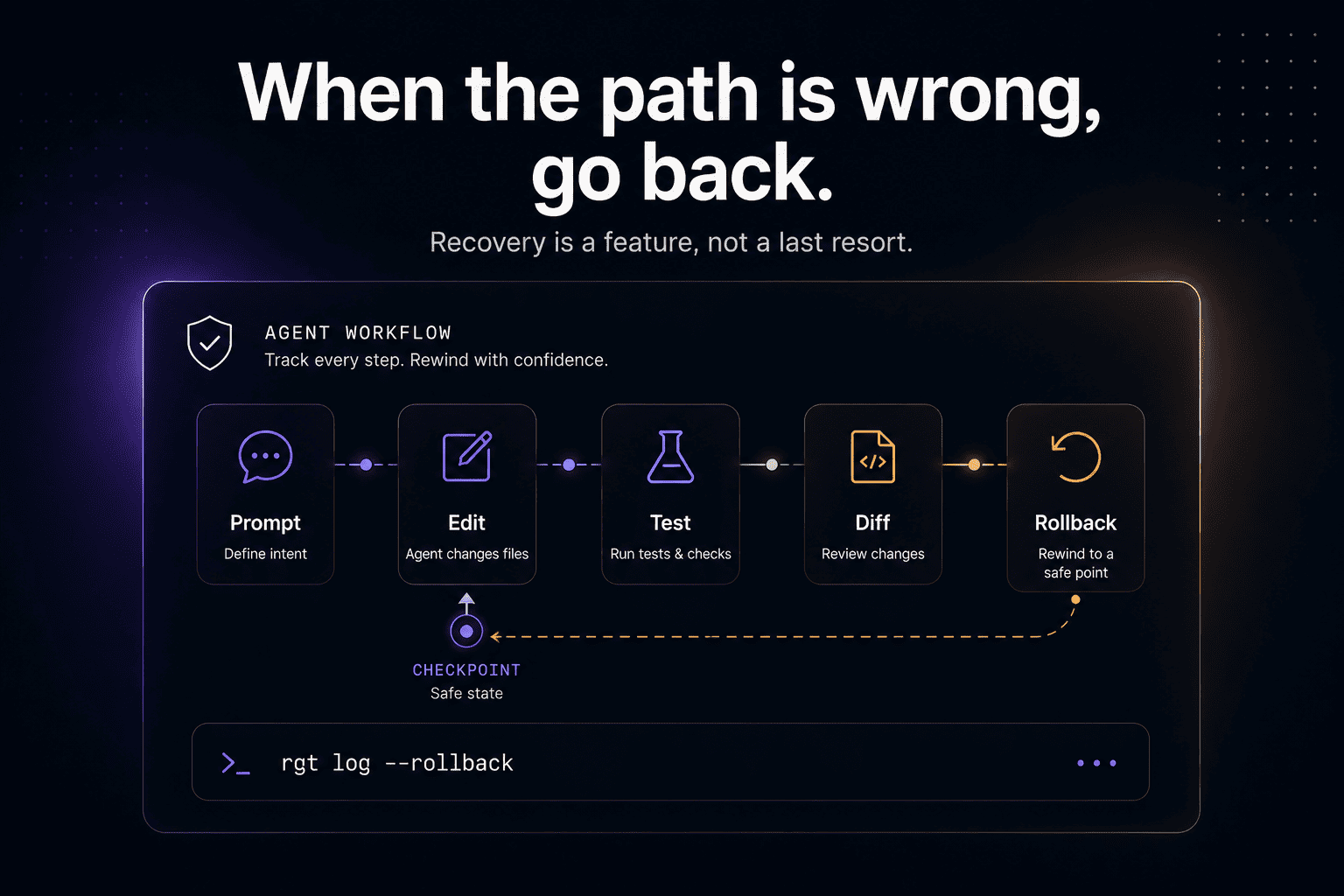
If an agent edited the wrong file, ran a risky command, modified a test, or changed a production-critical path, you need to inspect and recover.
That is not only a permissions problem.
It is a traceability problem.
Why chat history is not enough
A chat transcript feels like history, but it is a weak engineering artifact.
It is often:
too long
too noisy
hard to search
hard to connect to exact diffs
split across sessions
lost after compaction
detached from command output
disconnected from Git state
stored wherever the tool stores chats
For simple tasks, a transcript may be enough.
For serious code changes, developers need structured local history:
That structure is the difference between a conversation and an audit trail.
The audit trail should belong to the developer
“Audit trail” sounds enterprise.
But every developer needs one the first time an agent does something weird.
You ask:
The agent changes:
Now you need to know:
Which prompt caused each file change?
Did the agent read the right files?
Which command did it run?
Did tests fail before they passed?
Did it change the test to match the implementation?
Which line came from which prompt?
Can you rewind the bad part?
That audit trail should not require sending your repo history to a cloud service.
It should start locally.
What local-first agent history should include
A useful local-first history layer for coding agents should capture the parts of the workflow developers actually need.
1. Sessions
Every agent run should become a structured session.
Not just a transcript.
A session should show the prompt, actions, files, commands, diffs, and result.
2. Prompts
The exact prompt should be preserved.
The prompt is the source of intent.
If the prompt was narrow and the diff is broad, that matters.
3. Files read
A coding agent’s output depends on the context it saw.
If it changed auth code without reading auth docs, that matters.
4. Files changed
The changed file list should be connected back to the session and prompt that created it.
5. Commands run
Tests, builds, scripts, migrations, and shell commands should be part of the record.
6. Prompt-to-diff mapping
Every meaningful code change should trace back to the prompt or session that produced it.
This answers:
7. Rollback points
If the agent takes a bad path, developers need a safe way back.
Observability without recovery is incomplete.
8. Local storage
The default storage should be local.
Developers can decide later what to sync, export, or share.
Local-first does not mean solo-only
A local-first agent history tool can still support teams.
The key is default ownership.
Good team workflows can be built on top of local-first primitives:
export a session summary into a pull request
attach a sanitized trace to code review
share only metadata by default
keep sensitive content local
allow explicit opt-in for team sync
redact paths, logs, or code snippets when needed
preserve full local history for the developer
That is a better model than assuming all agent traces belong in a central dashboard from day one.
Team visibility should be intentional.
Not automatic leakage dressed as collaboration.
The real security question: what leaves the machine?
Every AI coding workflow should force this question:
For agent history, the answer can be messy.
A session may contain:
user prompts
model output
source code snippets
file paths
command output
test failures
stack traces
internal package names
comments
docs
secret-looking strings
architectural details
Some of this may be safe to share.
Some of it may not.
The developer should not have to guess.
Local-first tools make the boundary clearer.
Why this matters more as agents get better
When agents are weak, they make small changes.
When agents get better, they do more.
That means more files, more commands, more tool calls, more context, more generated output, and more history.
The better the agent, the larger the trail.
That is the paradox.
As AI coding agents become more useful, their history becomes more valuable and more sensitive.
If agents become a normal part of engineering work, agent history becomes part of the codebase’s institutional memory.
That memory should not be casually scattered across cloud tools.
Where re_gent fits
re_gent is open-source version control for AI coding agent activity.
It is built around a local-first idea:
The goal is to help developers understand what their agents did without giving up control over their work history.
re_gent tracks agent sessions, prompts, file changes, diffs, blame, and rollback locally.
It does not replace Git.
It adds the missing agent-history layer around Git.
You can find re_gent on GitHub here:
https://github.com/regent-vcs/re_gent
Where The Incident Challenge fits
We also built The Incident Challenge because production debugging teaches the same lesson:
When something breaks, context matters.
The final fix is not enough.
You need the path that led to the fix: logs, runtime behavior, architecture, failed attempts, assumptions, and verification.
AI coding agents need the same kind of history.
If an agent changes production-critical code, developers should know what it saw, what it did, and how to reverse it.
https://theincidentchallenge.com/
FAQ
What is a local-first AI coding agent?
A local-first AI coding agent workflow keeps the primary history and working data on the developer’s machine by default. It may still support sharing or syncing, but local ownership is the default.
Why should AI coding agent history be local?
Agent history can include private code, prompts, file paths, commands, test output, architecture hints, and sensitive errors. Keeping it local reduces accidental exposure and gives developers more control.
Is agent history more sensitive than a Git diff?
Sometimes, yes. A Git diff shows the final accepted change. Agent history can show intermediate attempts, private prompts, failed commands, internal context, and discarded changes.
Does local-first mean no cloud?
No. Local-first means the user owns the primary data and can work locally. Cloud sync, team sharing, or PR summaries can still exist, but they should be deliberate.
Why is chat history not enough for AI coding agents?
Chat history is usually noisy, linear, and disconnected from exact file changes. Coding-agent history should map prompts to files, diffs, commands, tests, and rollback points.
What is an AI agent audit trail?
An AI agent audit trail is a structured record of what an agent did during a task. For coding agents, it should include prompts, files read, files changed, commands run, tests, diffs, and rollback points.
How is re_gent different from a cloud observability dashboard?
re_gent is focused on local developer workflow. It tracks AI coding agent activity close to the repo so developers can inspect, blame, and rewind agent work without defaulting to a cloud-first history model.
Does re_gent replace Git?
No. Git tracks file history. re_gent tracks the agent activity that produced file changes.
Final thought
AI coding agents are creating a new kind of source history.
Not code history.
Work history.
That history is useful enough to keep.
And sensitive enough to protect.
So the default should be simple: