TL;DR
Git is still essential. It tells you what changed in your codebase.
But AI coding agents introduce a new layer of engineering history: what the developer asked, what the agent tried, which files it touched, what it broke, what it fixed, and why the final diff looks the way it does.
That is the missing layer behind version control for AI agents.
Git gives you the diff. Agent version control gives you the story behind the diff.
The new developer problem: “What did my agent just do?”
AI coding agents are becoming part of everyday software work.
Claude Code, Cursor, Codex, Devin, Copilot, and other agentic tools can explore a repo, edit files, run commands, generate tests, refactor code, and keep iterating. Sometimes that feels magical. Sometimes it feels like watching a very confident junior engineer touch seven files while you briefly looked away.
Then comes the real question:
What did it actually do?
Not just:
But:
What prompt caused this change?
Which agent step introduced this bug?
Did the agent change this file directly, or through a shell command?
What did it try before landing on this version?
Can I rewind the whole agent session, not just one file?
Can I blame a line of code back to the prompt that created it?
Can I recover the work after context compaction, session fragmentation, or a bad agent chain?
Traditional version control was built for human-written code. AI agents need something deeper.
Git is necessary, but it was not designed for agent work
Git is one of the most important tools in modern software engineering. The official Git book describes version control as a system that records changes to files over time so you can recall specific versions later: Git: About Version Control.
That model works beautifully when the basic unit of work is a human-made commit.
A developer writes code, reviews the diff, stages changes, writes a commit message, opens a pull request, and discusses the work with teammates.
But AI coding agents do not always work like that.
They move through codebases in sessions. They read files, generate hypotheses, edit code, run tests, modify more files, change direction, forget context, recover context, call tools, and sometimes make changes through commands that are not represented cleanly in the final diff.
Git sees the result.
It does not automatically understand the agent journey.
That gap matters because agent-generated code is not just code. It is the output of a reasoning process, a prompt chain, a tool execution history, and a set of intermediate decisions.
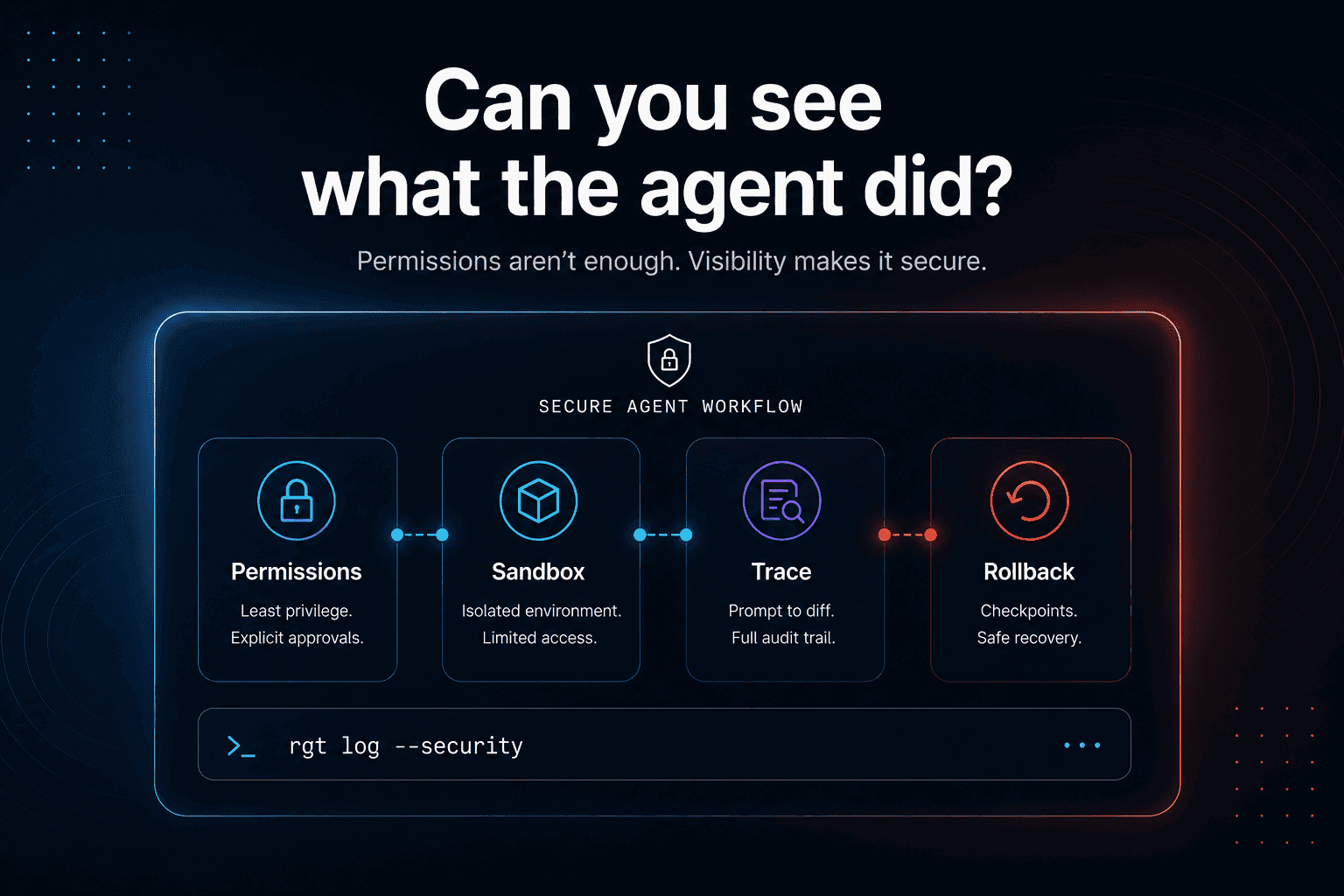
When that output breaks, developers need to debug more than the code. They need to debug the agent’s work.
Claude Code rewind is a sign of where the category is going
Anthropic already recognizes part of this problem.
Claude Code includes checkpointing, which lets users rewind file changes made during an agent session. According to Anthropic’s docs, checkpointing can help developers undo unwanted changes, restore files to a known good state, explore alternatives, and recover when the agent makes incorrect modifications: Claude Code checkpointing.
That is useful.
It also exposes the bigger category.
The same documentation notes important limitations: checkpointing tracks changes made through file editing tools such as Write, Edit, and NotebookEdit, but not file changes made through Bash commands. It also does not normally capture external changes or edits from other concurrent sessions unless they touch the same files.
That means “rewind” is only part of the answer.
Developers need a broader history layer for AI coding work. One that tracks the relationship between prompts, agent steps, file edits, diffs, and recovery points.
That is where version control for AI agents becomes a category, not just a feature.
The real unit of work is no longer just a commit
A Git commit answers:
What changed?
An agent session needs to answer:
How did this change happen?
That means agent version control needs to capture a different set of objects:
1. The prompt
The developer’s request is the beginning of the work.
“Refactor the billing retry logic.”
“Fix the failing auth test.”
“Make the ingestion worker idempotent.”
“Investigate why staging passes but production fails.”
A final diff without the original prompt is incomplete. The prompt is the intent.
2. The agent steps
AI coding agents often work through a chain:
Search the repo
Read related files
Form a hypothesis
Edit implementation
Run tests
Fix test failures
Modify configs
Update docs
Produce a final answer
If step 4 introduced a subtle bug and step 7 hid it, the final diff will not tell the full story.
3. The file-level changes
Git tracks file changes. Agent version control should connect those changes to the agent steps that produced them.
Not just:
But:
4. The prompt-to-diff map
This is the most important missing layer.
A developer should be able to click a line of code and ask:
What prompt caused this?
That is prompt-to-diff history.
It is the agentic version of git blame.
Git blame tells you which commit last modified a line.
Agent blame should tell you which prompt, session, and agent step created it.
5. The rollback point
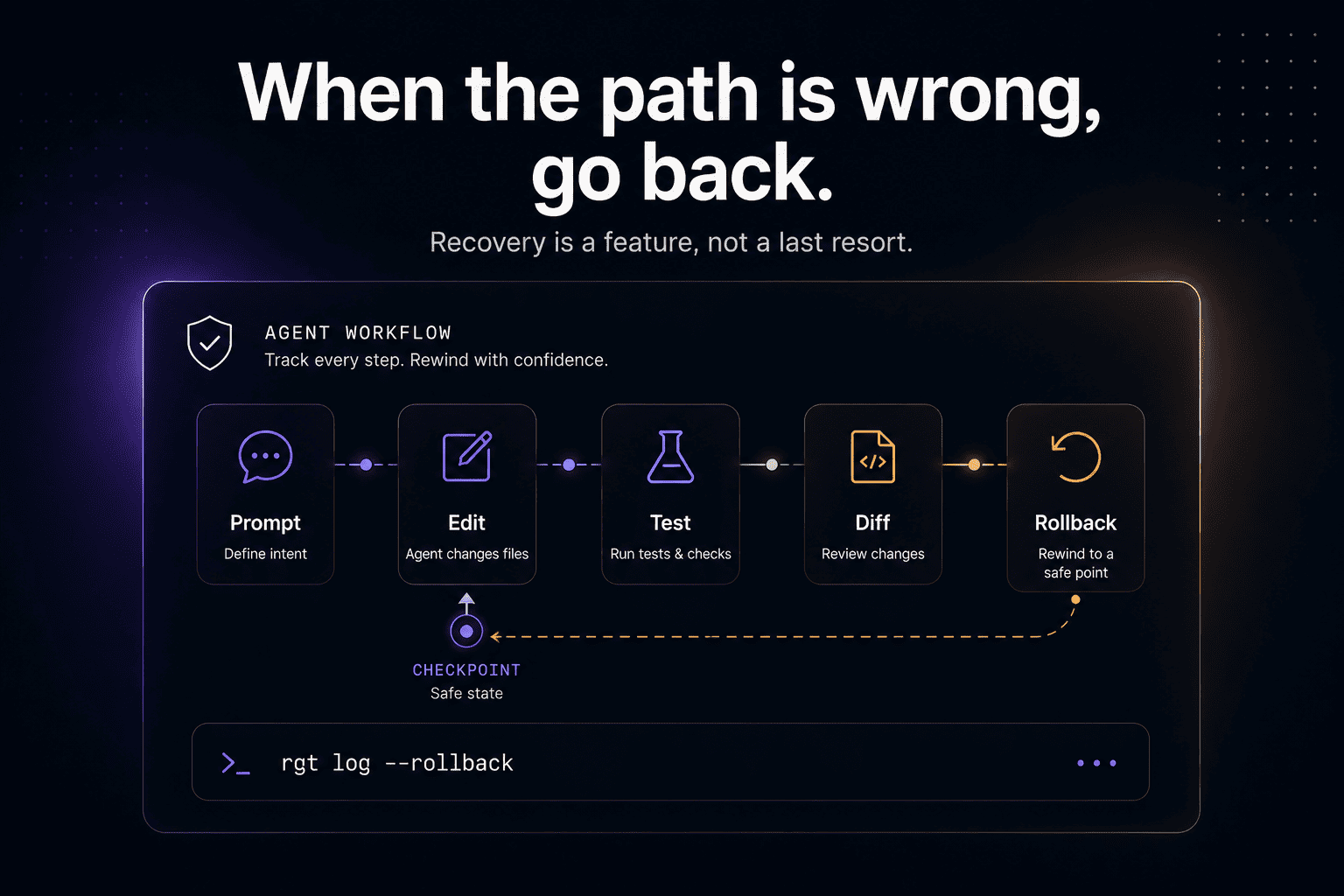
Undoing agent work should not mean manually reconstructing what happened from a messy diff.
Developers need to restore the repo to a previous agent step, compare alternatives, and recover from bad paths without destroying useful work.
That is not “nice to have.” It becomes basic developer hygiene once agents start touching real codebases.
“Git for AI agents” does not mean replacing Git
This is important.
Version control for AI agents should not replace Git.
Git is still the source of truth for code history. Teams still need commits, branches, diffs, reviews, pull requests, CI, and release workflows.
The missing layer sits around Git.
Think of it like this:
Layer | What it answers |
|---|---|
Git | What changed in the code? |
GitHub/GitLab | How was it reviewed and merged? |
Agent logs | What did the agent say or do? |
Agent version control | Which prompt and agent step produced each change? |
That last layer is the new one.
It is not just observability. It is not just chat history. It is not just checkpoints. It is a developer workflow layer for agent-authored code.
Why this matters more in production debugging
AI agents are especially risky in debugging workflows.
During normal feature work, a bad agent diff is annoying. During an incident, it can be expensive.
Production debugging requires context, judgment, and fast hypothesis testing. A developer needs to understand logs, architecture, runtime behavior, dependencies, and hidden system assumptions. This is exactly why we also built The Incident Challenge, a live production debugging challenge where engineers investigate realistic failures, fix the root cause, and race the leaderboard.
The lesson from incident-style work is simple:
When systems break, the final code change is not enough.
You need the reasoning path.
You need to know what evidence led to the fix, what alternatives were rejected, and which change actually resolved the failure.
The same is true for AI agents.
If an agent fixes a production bug, you need more than “tests passed.” You need to understand what it touched, why it touched it, and how to reverse it if the fix creates a second-order problem.
Research is already pointing in this direction
This is not just a product opinion.
AI coding agents are becoming a large enough phenomenon to study directly. A 2026 paper on AI coding agents on GitHub introduced AIDev, a dataset of more than 900,000 agent-authored pull requests across tools including Codex, Devin, GitHub Copilot, Cursor, and Claude Code: AIDev: Studying AI Coding Agents on GitHub.
Another research direction, AgentGit, explores Git-like rollback and branching for LLM-powered multi-agent systems: AgentGit: A Version Control Framework for Reliable and Scalable LLM-Powered Multi-Agent Systems.
Different problem spaces, same signal:
As agents do more work, developers need stronger ways to track, branch, inspect, compare, and recover that work.
The future of software engineering will not be “AI writes code and humans vibe-check the diff.”
It will need infrastructure.
What good version control for AI agents should include
A serious agent version control layer should support:
Prompt-to-diff history
Every meaningful code change should be traceable back to the prompt and agent step that produced it.
Agent blame
Developers should be able to inspect a line of code and see which agent session created it, not just which Git commit contains it.
Session rollback
Undoing agent work should work across files, prompts, and intermediate states, not only isolated file edits.
Durable history
Agent work should survive context compaction, fragmented sessions, and “where did that change come from?” moments.
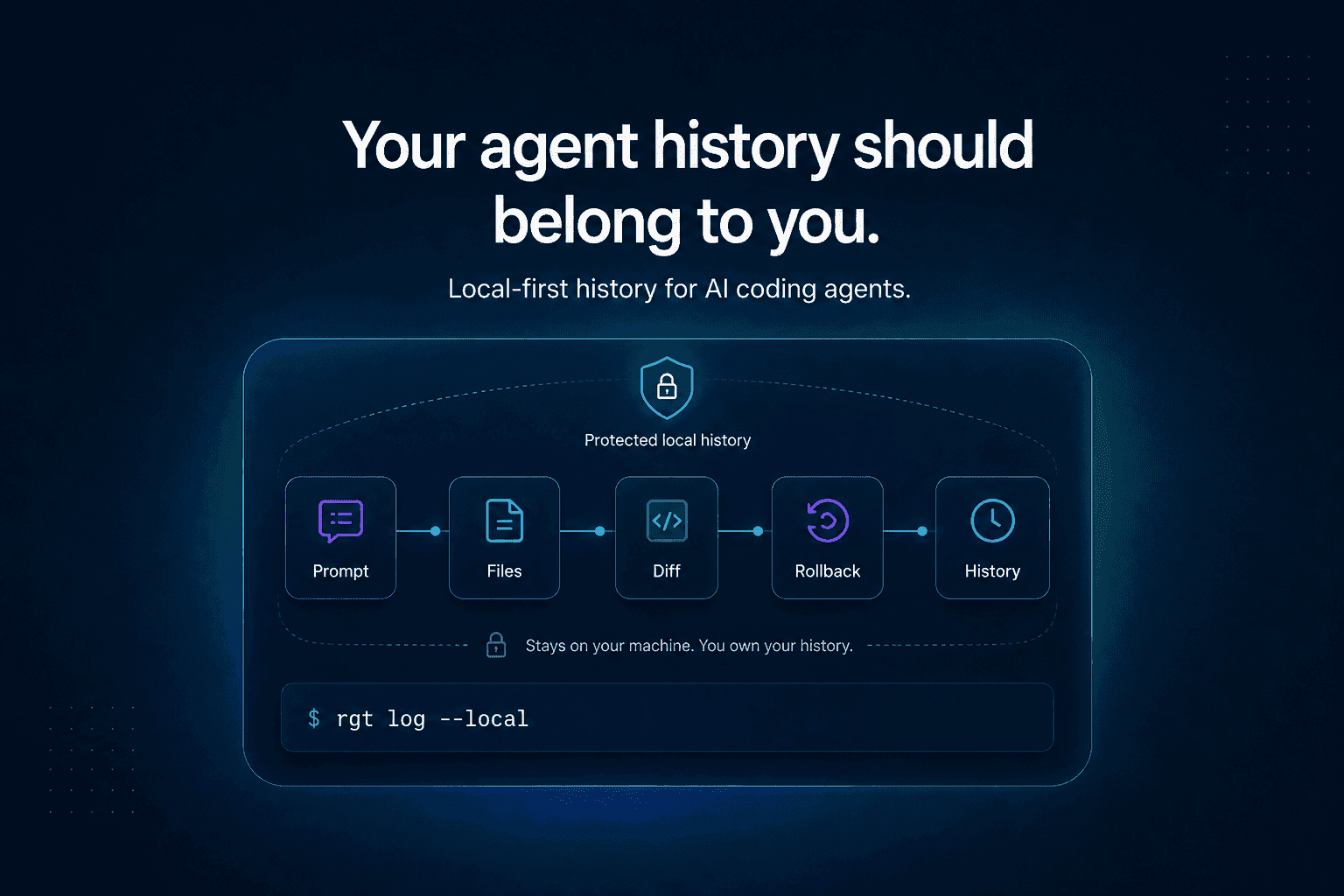
Local-first control
Code history is sensitive. Developers should not need to upload proprietary code to a random web portal just to understand what their agent did locally.
Git compatibility
The agent layer should fit naturally into existing Git workflows, not force teams to abandon the tools they already trust.
Where re_gent fits
re_gent is open-source version control for AI coding agent activity.
It is built around a simple belief:
Git tells you what changed. re_gent helps you understand what the agent did to get there.
re_gent tracks agent work across sessions so developers can inspect, trace, blame, and rewind AI-generated changes with more confidence.
The goal is not to make developers trust agents blindly.
The goal is to make agent work inspectable enough that developers can stay in control.
Because the more code agents write, the more important engineering history becomes.
FAQ
What is version control for AI agents?
Version control for AI agents is a developer workflow layer that tracks how AI coding agents produce code changes. Unlike traditional Git, it can connect prompts, agent sessions, tool calls, file edits, and diffs into one inspectable history.
Is Git enough for AI-generated code?
Git is still essential, but it only shows the code history. It does not automatically show which prompt caused a change, what the agent tried before the final diff, or how to rewind an agent session across multiple steps.
What is “Git for AI agents”?
“Git for AI agents” usually means Git-like capabilities for agent work: history, diffing, rollback, blame, branching, and recovery. The goal is not to replace Git, but to add agent-aware history around it.
How do I undo Claude Code changes?
Claude Code has checkpointing and rewind capabilities for certain file edits. However, not every type of change is tracked, especially changes made through Bash commands. For deeper history, developers need tooling that captures agent sessions and maps prompts to code changes.
What is prompt-to-diff history?
Prompt-to-diff history connects a developer’s prompt to the specific code changes that resulted from it. It helps answer questions like “what prompt caused this line?” and “which agent step introduced this change?”
Why do AI coding agents need rollback?
Agents can make broad, multi-file changes quickly. Rollback helps developers recover from wrong paths, broken refactors, failed experiments, or subtle bugs introduced during an agent session.
Is re_gent open source?
Yes. re_gent is open source and available on GitHub: github.com/regent-vcs/re_gent.
Final thought
For twenty years, version control helped developers trust human changes.
Now code is being written by agents.
The next layer of developer tooling will not just ask:
What changed?
It will ask:
What did the agent do, why did it do it, and how do we safely go back?